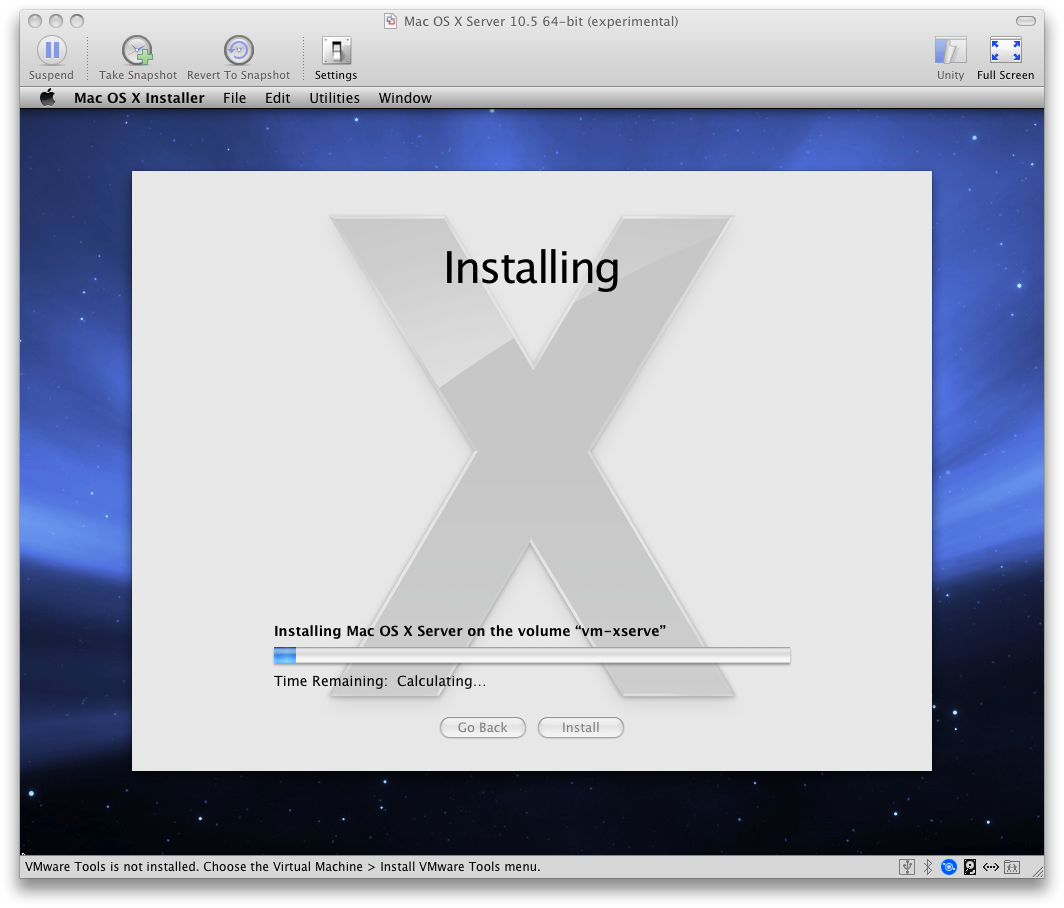
I downloaded the latest beta of Fusion 2.0 so I could create virtual machines running OS X 10.5 Server. I created a DMG of the OS X Server DVD for easy installs, but Fusion didn’t recognize a DMG as an option to have in the CD/DVD drive on my VM. To convert an Apple DMG file to ISO, use this command:
hdiutil convert /path/to/filename.dmg -format UDTO -o /path/to/savefile.iso
This will create the file savefile.iso.cdr When the process is complete, simply remove the .cdr extension and you have an iso file.
I just tested this with VMWare 2.0, and the ISO didn’t work with the OS X Server install. The only way I got it to work is to use the DVDs that shipped with the Intel Xserve. As I type this, “Mac OS X Server 10.5 64-bit (experimental)” is loading!